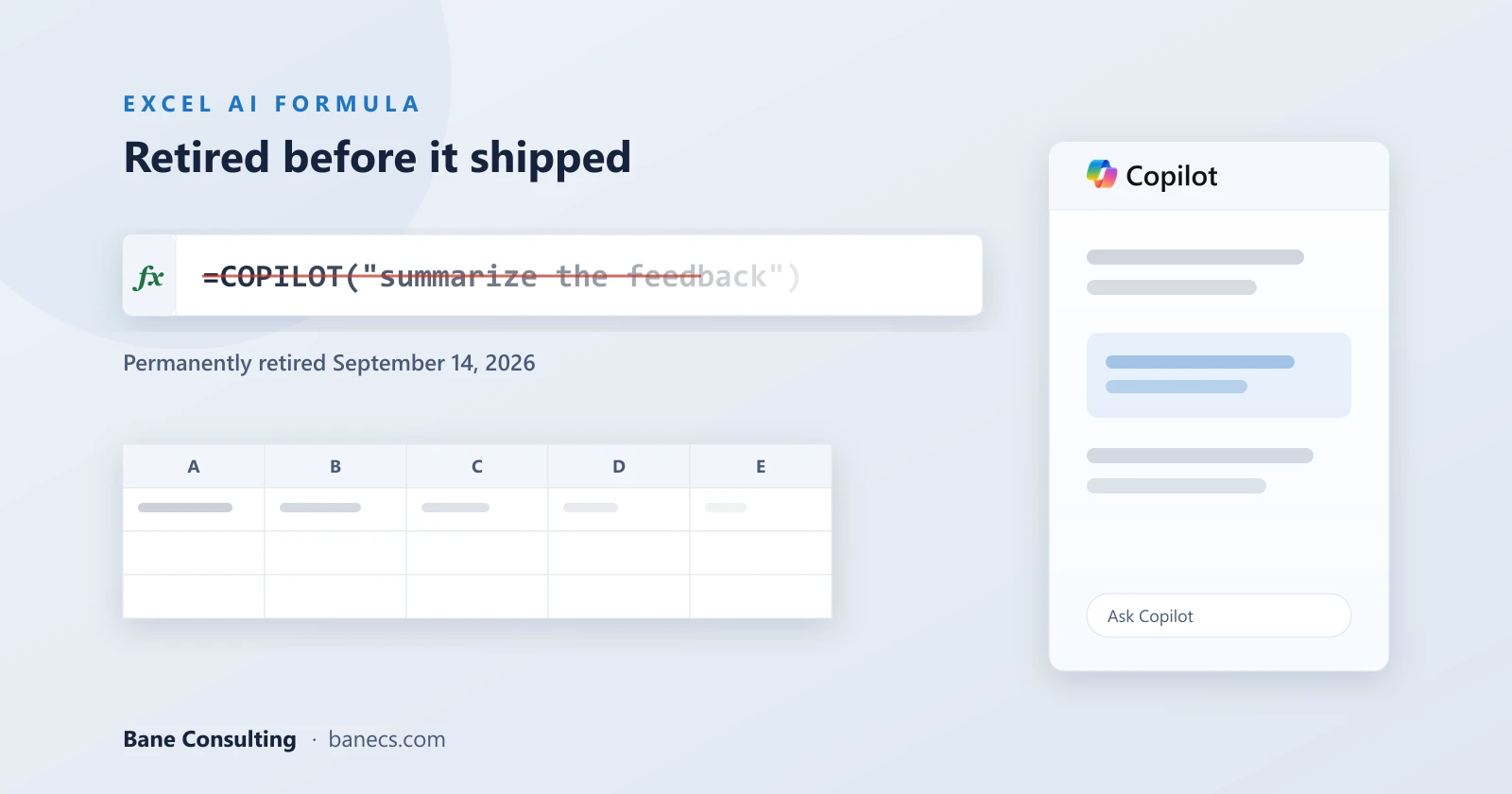
Microsoft has confirmed that the =COPILOT() worksheet function in Excel will be permanently retired on September 14, 2026, and if you followed its own documentation closely, this outcome was never particularly surprising. The short version is this: Microsoft built an AI formula into the world's most widely used spreadsheet software, then warned users not to rely on it for the things spreadsheet software is primarily used for. That tension was always going to be difficult to resolve.
What the =COPILOT() Function Actually Did
The function allowed users to describe tasks in natural language and receive AI-generated results directly inside spreadsheet cells, which on paper sounded like a meaningful step forward. It worked particularly well for tasks involving text summarization, classification, content generation, and web-based information lookup. If your spreadsheet happened to be a content operation or a research log, there was genuine utility there.
But the fine print told a different story for most Excel users. Although the =COPILOT() function was quite good at text summarization, classification, generation, and looking up content from the web, Microsoft did not recommend it for numerical calculations, which is quite ironic in spreadsheet software, nor for lookups for data inside your workbook, or any content management subject to legal or compliance regulations.
Those are not edge cases. For the vast majority of organizations that open Excel every single day, numerical accuracy and regulatory compliance are not optional considerations. They are the entire point. When a tool ships with caveats that essentially carve out its primary use environment, the path to broad adoption becomes very narrow.
Why Microsoft's "Streamlining" Explanation Only Goes So Far
Microsoft has updated its Microsoft 365 roadmap to explicitly confirm that Excel's experimental =COPILOT() worksheet function is being abandoned rather than merely withdrawn from preview. As reported by The Register, the roadmap now states that Microsoft has "decided not to move forward with this feature" and apologizes for the inconvenience, clarifying that this supersedes the earlier expectation that =COPILOT() could reach general availability in January 2027.
That timing detail carries more weight than the official language suggests. This was not a feature being retired after a long and successful run. Less than a year after putting the =COPILOT() function into preview, Microsoft is pulling the plug on in-cell AI formulas in Excel. The roadmap had pointed toward a January 2027 general release. What actually happened is that Microsoft cancelled a feature before it ever shipped to the general public, which is a meaningfully different event than simply tidying up the product roadmap.
The official explanation directs users toward the Copilot side pane instead. Customers can continue using Copilot in Excel through the Copilot side pane, which provides many of the same AI-powered capabilities, including summarizing text, classifying data, generating content, and retrieving information from the web. That may be true for some workflows, but it is worth being clear about what changes in practice.
The side pane can help create, explain, summarize, classify, and edit workbook content, but it is not a drop-in replacement for a formula embedded in a worksheet. A formula can spill results into a range, recalculate when referenced cells change, and remain visible as part of the workbook's logic. A chat response is an interaction a user must review and apply. Those are fundamentally different workflows, and for users who had begun building processes around the function, that distinction matters quite a bit.
What This Means for AI in Spreadsheets More Broadly
The more interesting question sitting underneath this announcement is not really about one function being retired. It is about what this signals for AI integration in precision business tools more broadly.
Excel is not a creative sandbox. Businesses use it to manage operations, run financial models, track inventory, and produce reports that feed real decisions. Those environments require deterministic outputs, meaning when you enter a formula, you expect it to return the same correct result every time. Large language models do not work that way by design. They are probabilistic systems optimized for language generation, not arithmetic precision.
Microsoft's own guidance made this tension explicit when it advised that output from the =COPILOT() function should be reviewed and validated for accuracy, especially for critical business decisions or reports. That is a reasonable thing to say about a genuinely experimental feature. It is also a description that fundamentally conflicts with how most organizations actually use Excel, where the assumption of formula accuracy is not a nice-to-have but a baseline requirement.
This does not mean AI and spreadsheets are incompatible in the long run. It means the current generation of AI models has not yet solved the precision problem at a level that justifies replacing formula logic inside mission-critical workbooks. The retirement of =COPILOT() may be less a product decision and more an honest acknowledgement of that reality.
Google Is Still Moving Forward, But Context Matters Here
It is worth noting that on the other side of the fence, Google is still testing its equivalent AI() function through Workspace Experiments. Users can generate columns of data by entering a specific prompt to describe a desired action and adding an optional range with the =AI() function in Google Sheets. That program remains active and in testing as of now.
At face value, this looks like Microsoft retreating from a space a direct competitor is still actively exploring. But the comparison is worth examining carefully, because the two products do not always serve the same function in the same environments.
Google Sheets tends to be favored for collaborative, lighter-weight tasks, marketing trackers, shared content calendars, workflow integrations, CRM-adjacent tables that need to move quickly between team members and tools. Excel, on the other hand, is still the default choice for heavier operational and financial work, the kind of environment where a miscalculation in a formula carries real consequences. If Google's users are primarily working with text-heavy, collaborative data rather than precision financial models, then the AI() function may be operating in a context where its limitations are far less likely to cause harm.
That distinction might explain why Google can continue testing in this space while Microsoft decided the risk-to-reward calculation did not work for its core Excel user base.
The Broader Lesson About AI Readiness in Business Tools
There is a pattern in enterprise AI rollouts right now that this story illustrates well. The ambition to embed AI everywhere is real, and in many contexts it is producing genuine value. But there is a meaningful difference between AI that augments human judgment in flexible, language-driven tasks and AI that is expected to replace deterministic logic in high-stakes systems.
When Microsoft shipped the =COPILOT() function, it came with caveats that most users probably glossed over. Those caveats were essentially the product team flagging that the underlying technology was not ready to handle the core job reliably. The retirement of the function is, in some ways, the organization catching up to what its own documentation was already saying.
For IT teams and Microsoft resellers working with organizations that had started exploring =COPILOT() in their workflows, the immediate practical note is straightforward. Existing workflows that depend on the =COPILOT() function should be evaluated and transitioned to supported Copilot experiences where appropriate. Native formulas, Power Query, and the Copilot side pane are the paths forward that Microsoft is actively supporting.
The bigger takeaway is less about this specific feature and more about how to frame AI capabilities honestly when recommending tools to clients. The question is not just whether a technology works in a demo environment. It is whether it works reliably enough, in the specific context where your clients actually need it, to justify the dependency. In Excel, for numerical calculations and compliance-sensitive content, the answer right now appears to be not yet.